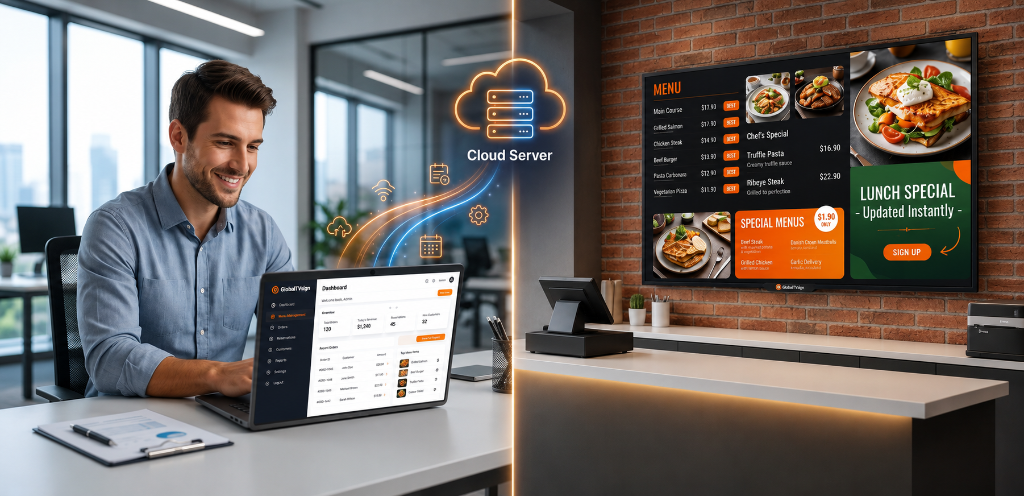
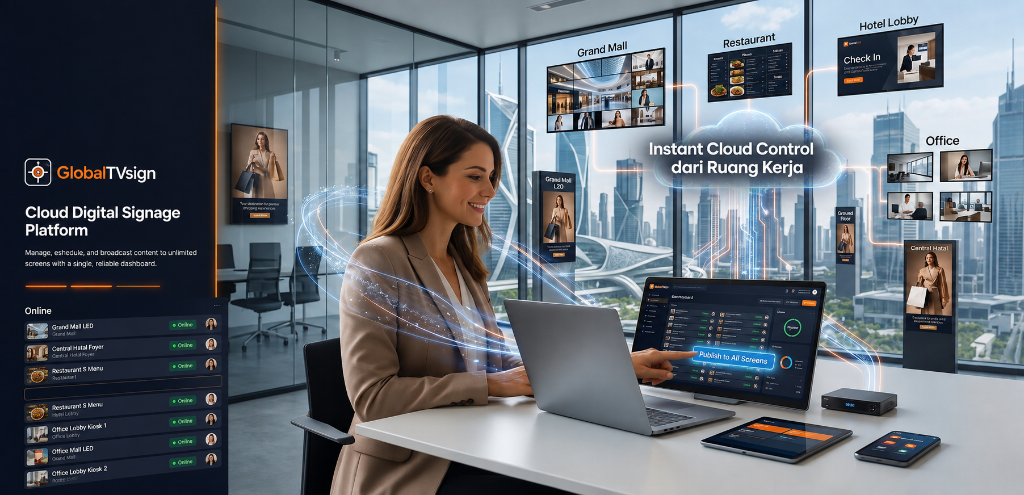
GlobalTVsign is a cloud-based digital signage platform that helps businesses manage screens, content, playlists, layouts, and schedules from one centralized dashboard — without unnecessary complexity. Manage your digital screens remotely, keep content organized, automate playback, and respond quickly when something needs to be displayed.
GlobalTVsign
Cloud Connectivity
Manage your screens, content, playlists, and schedules from one centralized platform.
Connected players can automatically receive updated content and configuration when connectivity is available.
Previously cached content can continue playing during temporary internet interruptions.
See which registered devices are currently reachable and when they last connected.
Not every business needs enterprise-level complexity.
GlobalTVsign provides the operational tools needed to manage digital screens without making everyday screen management unnecessarily complicated.
One platform. Different operational needs.
Digital menus, promotions, food videos, daily specials, announcements, and customer-facing information.
Lobby information, promotional content, restaurant promotions, guest information, and area-specific displays.
Announcements, schedules, events, activities, and campus information.
Internal announcements, corporate communication, dashboards, and workplace information.
Waiting-area information, announcements, educational content, and promotional displays.
Product information, promotions, campaigns, announcements, and customer-facing communication.
GlobalTVsign
Store Display Live
Update menus, promotions, announcements, videos, and other content from your dashboard without physically visiting every screen.
When a connected player receives new configuration or content, it can synchronize automatically. Manage once. Keep your screens consistent.
GlobalTVsign
Store Display Live
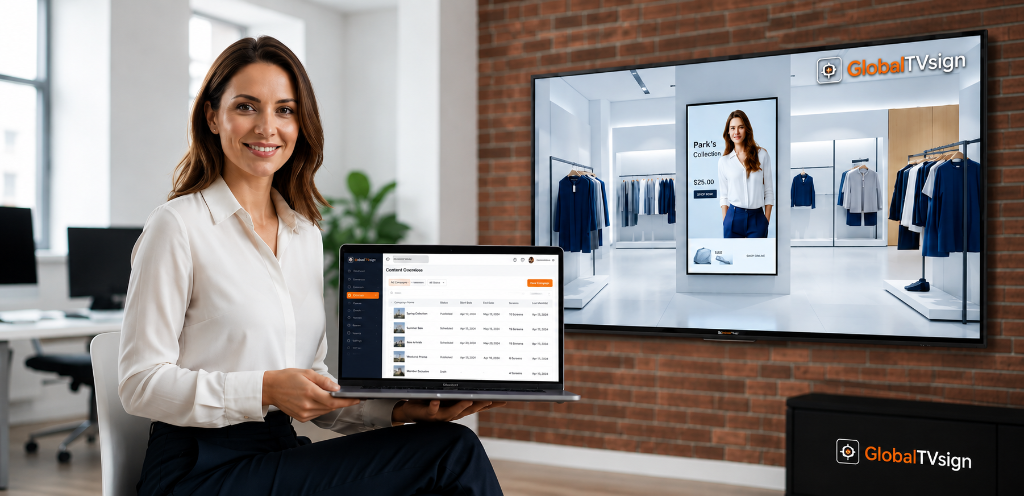
Whether you operate one screen or several screens across your business, GlobalTVsign gives you a centralized place to organize content and manage playback.
As your screen network grows, your digital signage operation can grow with it.
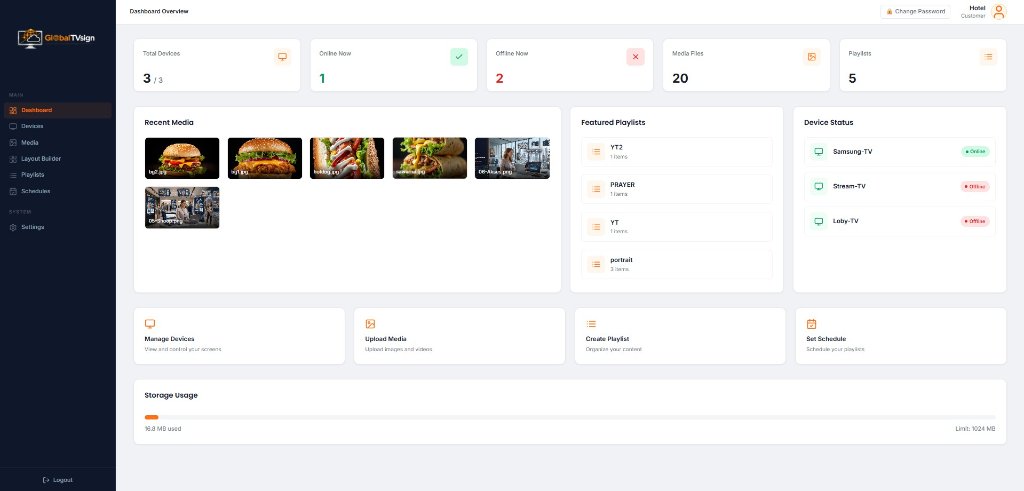
Everything starts from one place. Manage your screens, media, playlists, schedules, and activity from one centralized dashboard.
See which devices are online, which are offline, and what content is available without checking every screen individually.

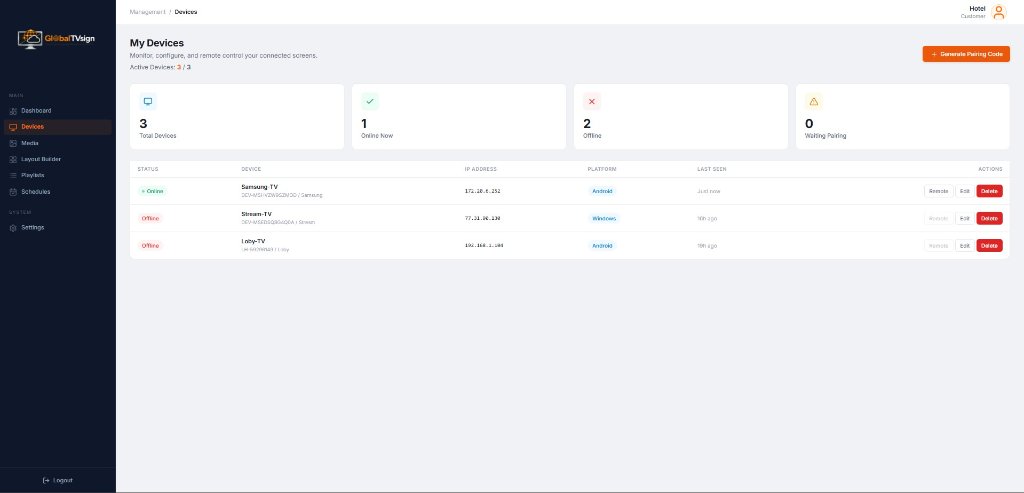
Manage screens without being beside them. Register a screen with a unique pairing code and manage it from your browser.
Monitor connection status, device information, last activity, and available remote actions. When content needs to be refreshed, send a playlist reload without physically visiting the screen.

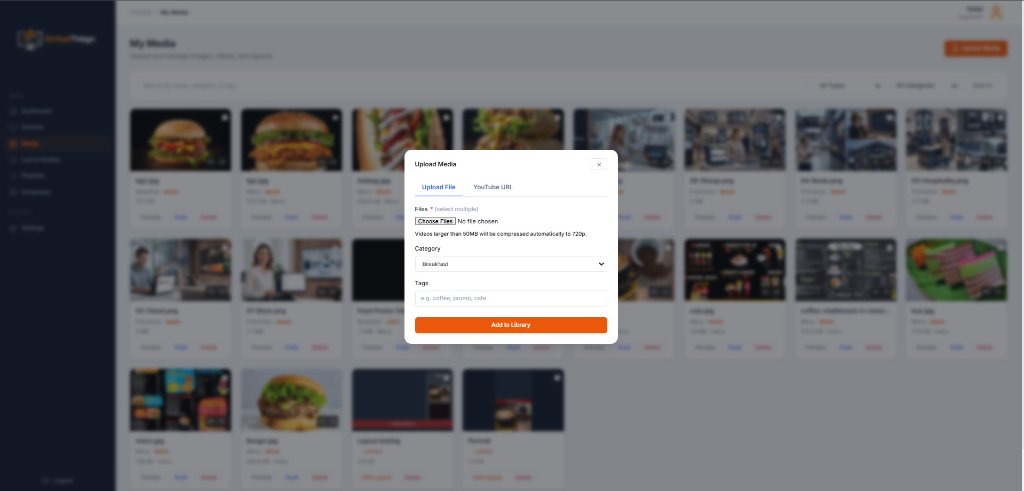
Your content library, ready when you need it. Upload images and videos, add compatible YouTube content for supported streaming use cases, organize media, preview assets, and send content directly to selected screens.

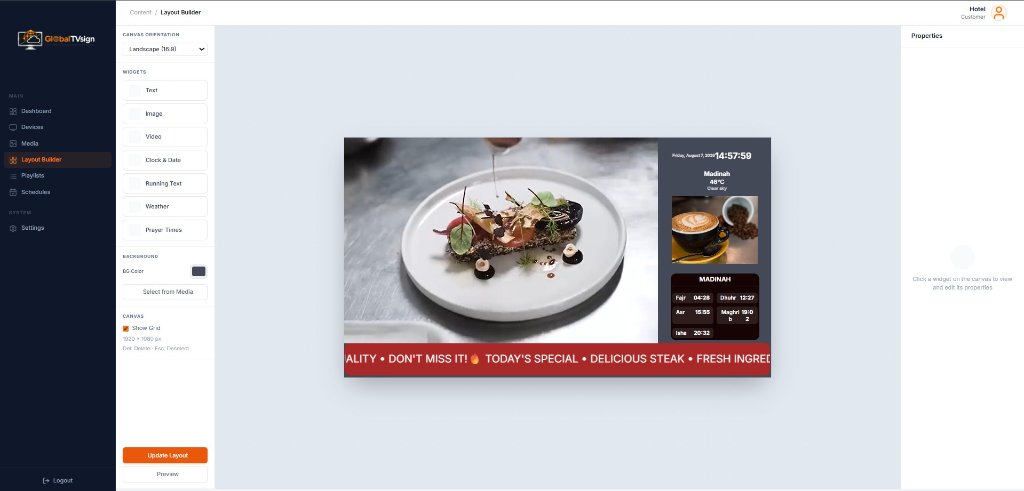
Build screen layouts without external design software. Create landscape or portrait layouts directly inside GlobalTVsign.
Arrange images, videos, text, clocks, weather, running text, and prayer times to create screen experiences suited to your business.

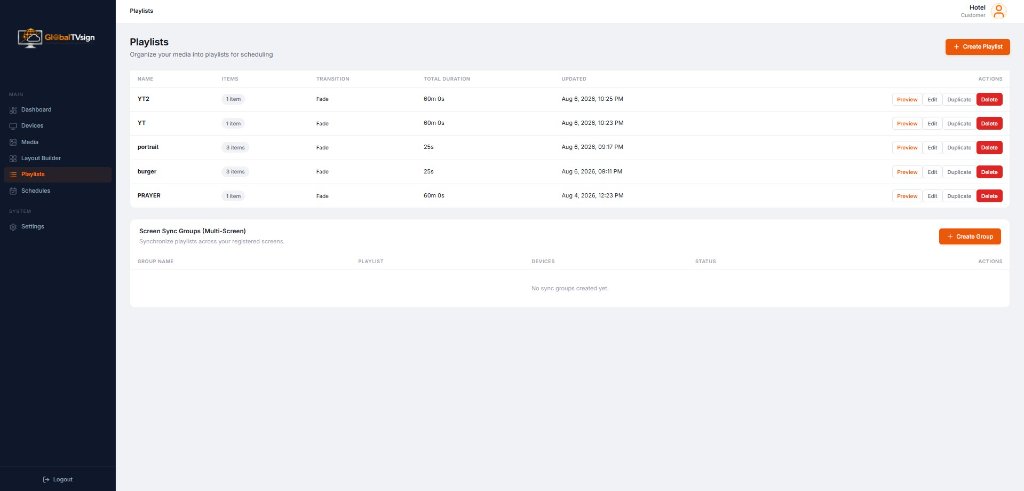
Turn individual content into a complete playback experience. Combine media into playlists, arrange playback order, configure duration, and apply transitions.

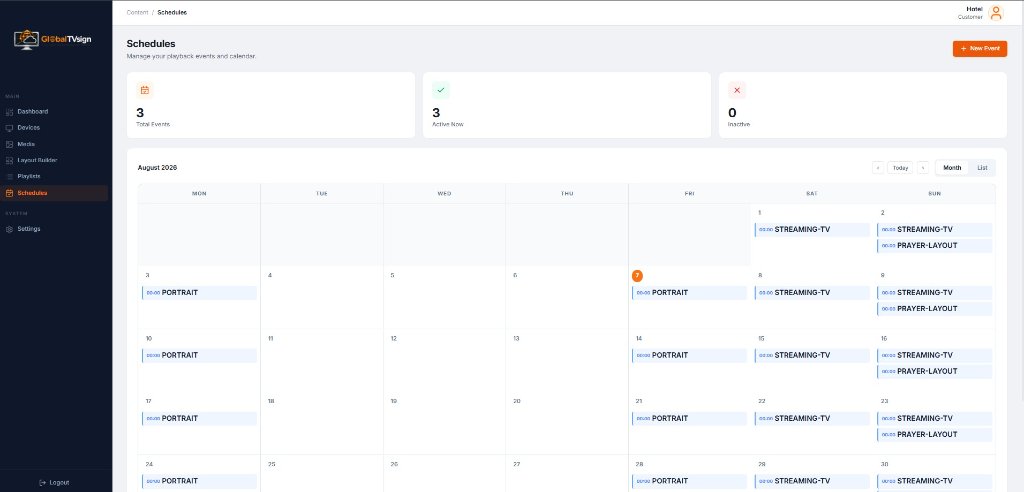
Make your screens follow your business rhythm. Breakfast in the morning. Lunch promotions at noon. Dinner content in the evening.
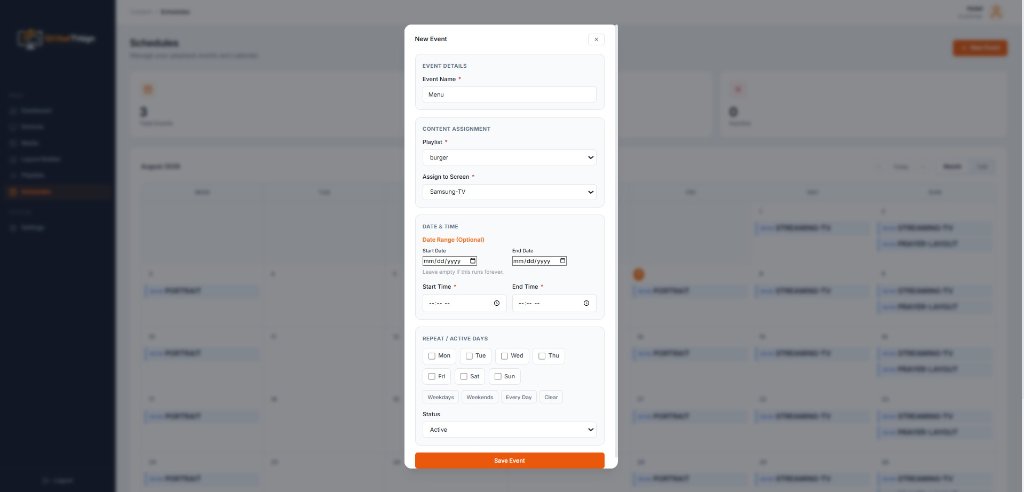
Schedule playlists using dates, times, and active days so your screens can follow your operational routine automatically.

When something needs to appear now. Sometimes a scheduled playlist isn't enough. Select a screen, choose the content, set the duration, and push it directly to the screen.

Change menus, promotions, announcements, and other content from your dashboard instead of manually updating each display.
See which registered devices are currently reachable and when they last connected.
Previously cached content can continue playing during temporary internet interruptions.
Let schedules handle recurring content while your team focuses on the business.
Push temporary content directly to a selected screen when waiting for a schedule isn't practical.
Begin with one screen and add more as your business needs expand.
Digital signage operates in real environments. Internet connections can drop. Screens can be turned off. Content can change. Operators may not always be physically near the display.
GlobalTVsign is designed around these everyday operating conditions.
GlobalTVsign
Cloud Connectivity
Previously cached content can continue playing during temporary internet interruptions.
When connectivity returns, the player reconnects and can synchronize with the latest available configuration.
Registered players periodically report their connection status so the dashboard can show whether a device is currently reachable.
When a screen needs to refresh its current playback state, administrators can send a playlist reload command remotely.
A registered device does not need to be paired again simply because it temporarily loses connectivity or reconnects.
New content and configuration changes require an internet connection to reach the player.
Install the GlobalTVsign Player and register your device using a unique pairing code.
Upload images, videos, YouTube content, or create your own layouts.
Arrange your content and configure playback duration and transitions.
Schedule content automatically or push content instantly to a selected screen.
Check device status and manage your screens remotely from your dashboard.
No complicated setup. No dedicated signage hardware required for supported player devices.
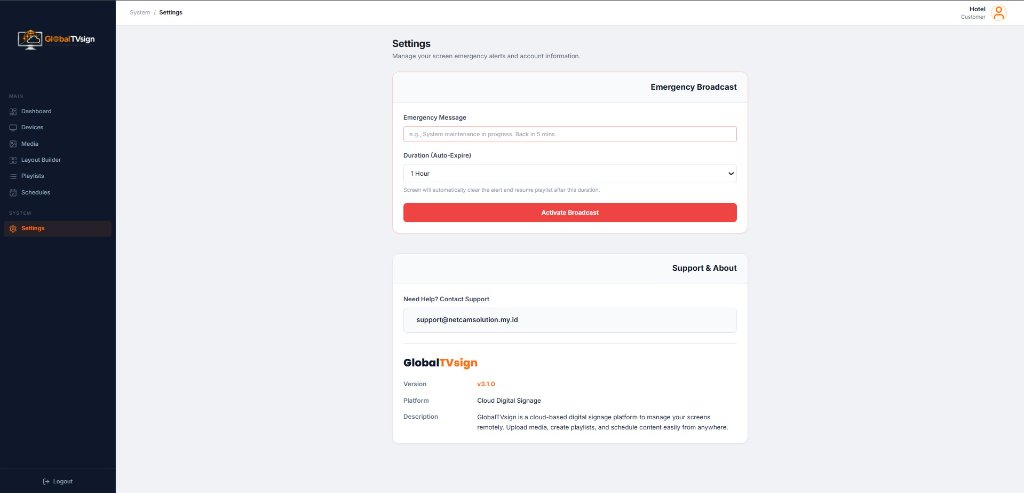
Broadcast important messages to connected screens and automatically return to normal playback after the selected duration.
If content has already been cached by the player, playback can continue during a temporary internet interruption. Cloud synchronization, remote control, new content, and configuration updates require internet connectivity.
The player reconnects and synchronizes with the latest available configuration.
GlobalTVsign is a cloud-connected platform. Internet access is required for device registration, synchronization, remote management, new content delivery, and configuration updates. Previously cached content may continue playing during temporary connectivity interruptions.
The device will eventually appear offline in the dashboard after its heartbeat timeout. When the device is turned on again and reconnects to the internet, it can reconnect to the existing registration without requiring a new pairing process.
No. Restarting or temporarily disconnecting a previously registered device does not normally require pairing again.
Yes. You can register multiple supported screens and manage them from the customer dashboard.
Yes. You can push supported content directly to a selected screen for a specified duration.
Yes. Playlists can be scheduled according to dates, times, and active days.
Yes. GlobalTVsign supports both landscape and portrait layouts.
Whether you're setting up your first digital screen or planning a larger deployment, tell us what you're trying to achieve. We'll help you understand whether GlobalTVsign fits your operational needs.
For demo requests, business questions, and general info.
Manage content, playlists, schedules, and connected screens from one centralized platform — wherever your business operates.